Every Voxtell account can now connect directly to Claude or ChatGPT. Once it's set up, you can ask your AI assistant about your calls, voicemails, and customer conversations the same way you'd ask a coworker, and it answers using your real Voxtell data.
This isn't a chatbot bolted onto your website. It's your actual AI Phone System and Voxtell Chat account, available inside the AI tool you already use.
What Is This, Exactly?
It's built on something called MCP (Model Context Protocol), which is just a standard way for an AI assistant to securely connect to a piece of software. You don't need to understand the protocol to use it. You need to know that once you connect, Claude or ChatGPT can look things up in your Voxtell account when you ask.
There's no file to download, no code to write, and no API key to generate and keep track of. You sign in with the same Voxtell login you already use.
What You Can Ask
Connect the AI Phone System and you can ask things like:
- "What did our call volume look like this week?"
- "Did we miss any calls yesterday?"
- "Read me the voicemails from last night."
- "Pull up the transcript from the call with [caller]."
Managers get a bit more: team performance, availability, and coaching data too.
Connect Voxtell Chat and you can ask:
- "What's still open in my inbox?"
- "Summarize the thread with [contact]."
- "Reply to [contact] and let them know we'll follow up Monday."
- "Find the contact info for [name]."
Admins can also pull reports and help center articles through the connector.
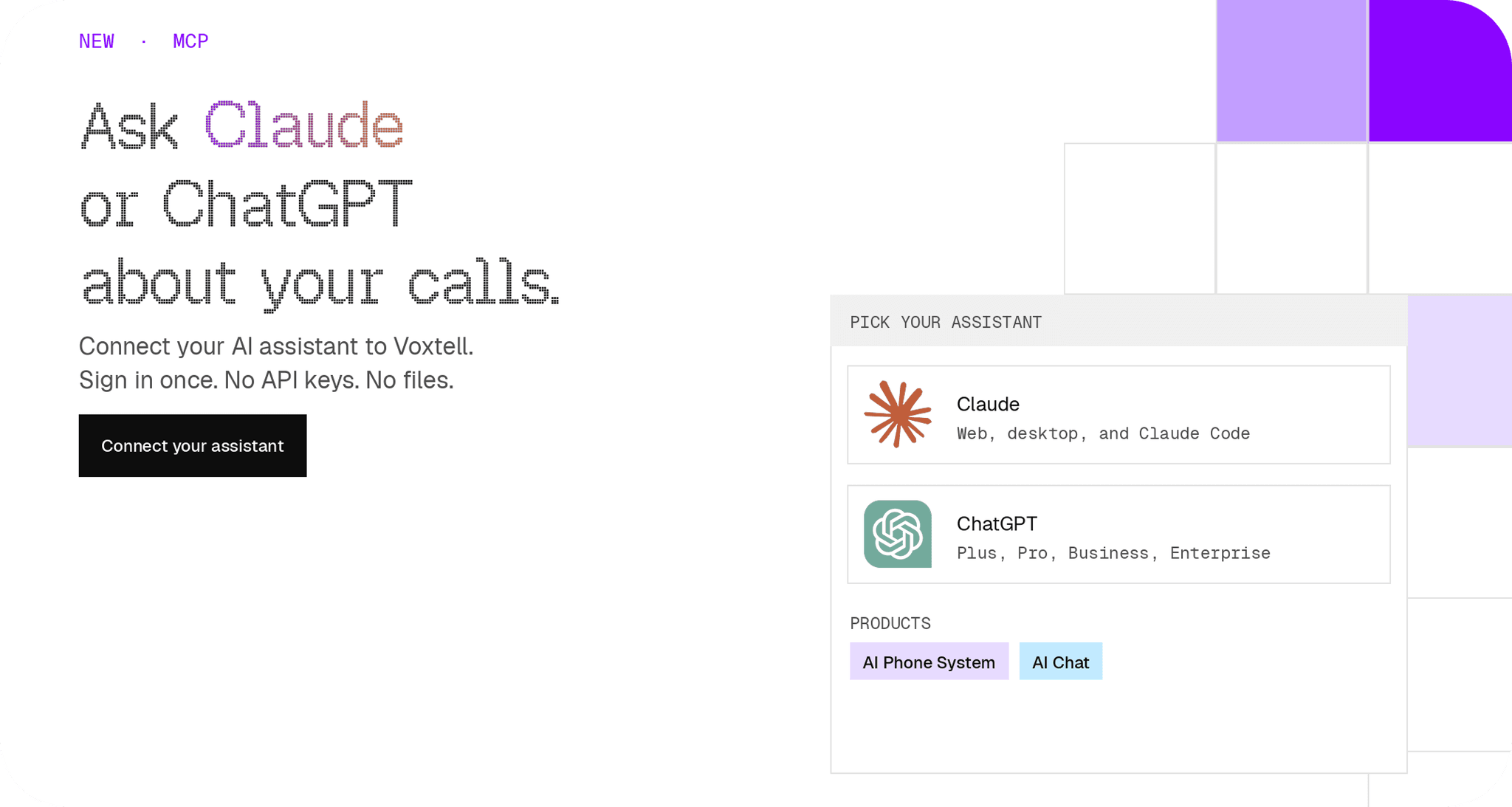
You can connect one product or both. Most people connect both the first time, since it takes the same five minutes either way.
How to Connect
If you use Claude:
- Go to voxtell.com/integrations/mcp/claude
- Find Voxtell in Claude's directory (separate listings for the AI Phone System and Voxtell Chat)
- Sign in with your normal Voxtell login
- Start asking
Works on Claude on the web, the desktop app, and Claude Code.
If you use ChatGPT:
- Go to voxtell.com/integrations/mcp/chatgpt
- Paste in the connector address for the product you want
- Sign in with your normal Voxtell login
- Start asking
Works with ChatGPT Plus and Pro. Business and Enterprise workspaces connect through your admin.
Is My Data Safe?
Yes, and here's exactly why:
- Your assistant never sees your password. You sign in on a real Voxtell page. Claude or ChatGPT only ever gets a connection key, and you can revoke it whenever you want.
- It can't delete anything. Neither connector has a delete action, period.
- The AI Phone System connector is read only. It can look things up. It can't change your setup, your numbers, or your team.
- Voxtell Chat can reply or leave a note, but only when you ask it to. It shows you what it's about to do first.
- Your calls and conversations are not used to train AI models. Full detail on the Voxtell Chat and AI Phone System privacy pages.
FAQ
Do I need an API key or a developer to set this up? No. You sign in with your normal Voxtell login, the same way you'd log into the Voxtell dashboard.
Which plans does this work with? All of them. Every Voxtell customer gets this on the same flat plan, no upgrade required.
Can it send messages to my customers on its own? No. Voxtell Chat's connector can draft a reply, but nothing goes out until you tell it to send it.
Can it delete anything? No. Neither connector has a delete action built in, so there's nothing for it to remove even by mistake.
Is my data used to train AI models? No. Neither Voxtell nor the connectors use your calls or conversations for model training.
How do I disconnect? Revoke the connection key from your Voxtell account settings at any time. Nothing else changes.
If you're already using Claude or ChatGPT day to day, this saves you the trip to a dashboard every time you need a quick answer. Connect your AI assistant now.