Here's a scenario that's probably familiar: you're at lunch, your phone buzzes about a customer complaint, and now you're flipping between three tabs, the phone dashboard, the chat inbox, and your email, trying to figure out what actually happened before you reply to anyone.
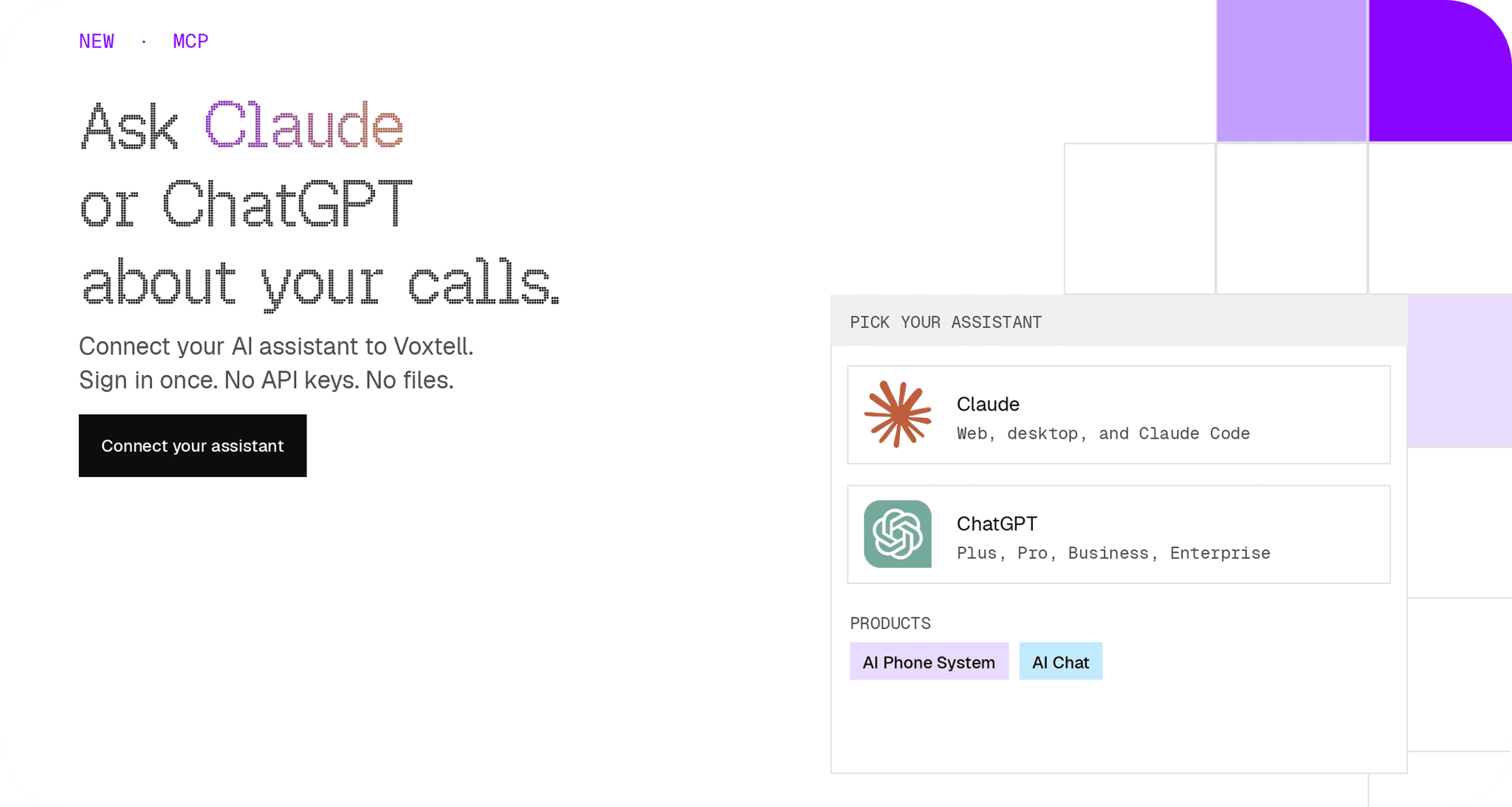
That workflow just got shorter. You can now connect Claude or ChatGPT directly to your Voxtell account, and instead of digging through dashboards, you just ask.
What Just Shipped
Voxtell's AI Phone System and Voxtell Chat both now connect to Claude and ChatGPT through something called MCP (Model Context Protocol). In plain terms: your AI assistant can look at your real Voxtell data and answer questions about it, the same way it answers a question about anything else you ask it.
You sign in once with your normal Voxtell login. No API key, no file to configure, no developer required. The setup page walks through it, and it genuinely takes about five minutes.
What This Looks Like Day to Day
This is the part that actually matters, so here are real examples, not hypotheticals:
- "Did we miss any calls this morning?" Instead of opening the dashboard and scrolling the call log, you ask, and get the answer with names and times.
- "Read me last night's voicemails." No app, no typing a passcode to check the mailbox. It reads the transcript straight to you.
- "What's still open in my inbox, and which one's been sitting the longest?" Voxtell Chat's connector pulls that up instantly, instead of you scanning a queue.
- "Reply to [customer] and tell them we'll have this fixed by Friday." It drafts the reply and shows it to you before anything sends.
- "How did the team perform on calls this week?" If you're a manager, that's a full breakdown without building a report first.
None of this required learning a new tool. If you already use Claude or ChatGPT, you already know how to do all of this.
What It Won't Do
Worth being straight about this part too. Neither connector can delete anything, full stop. The AI Phone System connector is read only, it can look things up, but it can't touch your setup, your team, or your numbers. Voxtell Chat can draft a reply or leave a note, but it shows you exactly what it's about to send first. Nothing goes to a customer without you saying so.
This isn't an autonomous agent running your business while you sleep. It's a faster way for you to check on it and act on it yourself.
Is This Actually Safe?
Reasonable question, so here's the honest answer. You sign in on an actual Voxtell page, so your assistant never sees your password, ever. What it gets instead is a connection key you can revoke any time from your account settings. Your calls and conversations are not used to train any AI model. Full details are on the Chat and AI Phone System privacy pages if you want to read the fine print yourself, and you should.
Who This Actually Helps
If you're checking your phone dashboard or chat inbox more than once a day just to stay on top of things, this removes a step every single time. Managers checking team performance, owners checking after-hours voicemails before opening up, anyone replying to customers from their phone between other things, that's the use case.
If you rarely touch the dashboard as it is, this won't change much for you day to day. That's fine. It's there when you need it.
The Bottom Line
This isn't a new dashboard to learn or a new login to remember. It's the tool you already open every day, Claude or ChatGPT, getting a direct line into the business data you already have. Sign in once, and every call, voicemail, and conversation is one question away.
Connect your AI assistant to Voxtell and see what it answers on the first try.